
Reaching decision-makers at the highest levels of an organization is the holy grail of B2B sales and marketing. But the gap between “I want to email the CEO” and “I have a deliverable, verified CEO email address that won’t bounce” is vast. It is filled with outdated databases, scraper tools that violate terms of service, and middlemen data brokers who resell the same stale lists to your competitors.
This guide exists to close that gap.
We are going to walk through exactly what constitutes a high-quality B2B executive email list, how to build one from scratch, how to evaluate vendors, how to verify and enrich the data you collect, and how to structure outreach campaigns that actually get replies from CIOs, Marketing Directors, VPs of Sales, and C-Suite executives.
Whether you are a solo founder scraping together your first hundred contacts or a marketing operations director managing a $50,000 monthly lead-gen budget, the frameworks and tools discussed here will apply. By the end of this article, you will know how to assemble an executive email list that drives pipeline, not spam complaints.
Let us begin.
What Is a B2B Executive Email List?
A B2B executive email list is a curated database of contact information for decision-makers at target companies. It typically includes first name, last name, professional email address, job title, company name, company size, industry, and often supplementary data points such as LinkedIn profile URLs, phone numbers, and technographic signals.
But there is a critical distinction that most guides gloss over.
There is a difference between a contact list and a targeting list. A contact list is a spreadsheet of emails. A targeting list is a strategic asset built around an Ideal Customer Profile (ICP). If you are building an executive email list for cold outreach, you want the latter. A raw spreadsheet is worthless without the targeting logic that tells you why each person on that list should hear from you.
Executive-level contacts are the most valuable and the most protected tier of any database. C-Suite executives (CEO, CFO, CTO, CIO, CMO) and senior directors (Marketing Director, Sales Director, VP of Engineering) receive an overwhelming volume of unsolicited email every day. Their inboxes are guarded by spam filters, executive assistants, and sheer indifference. Reaching them requires precision targeting, verified data, and a message that signals immediately that you have done your homework.
That is what this guide is built around – not just the data, but the strategy that makes the data work.
Why Executive Email Lists Fail (And How to Fix It)
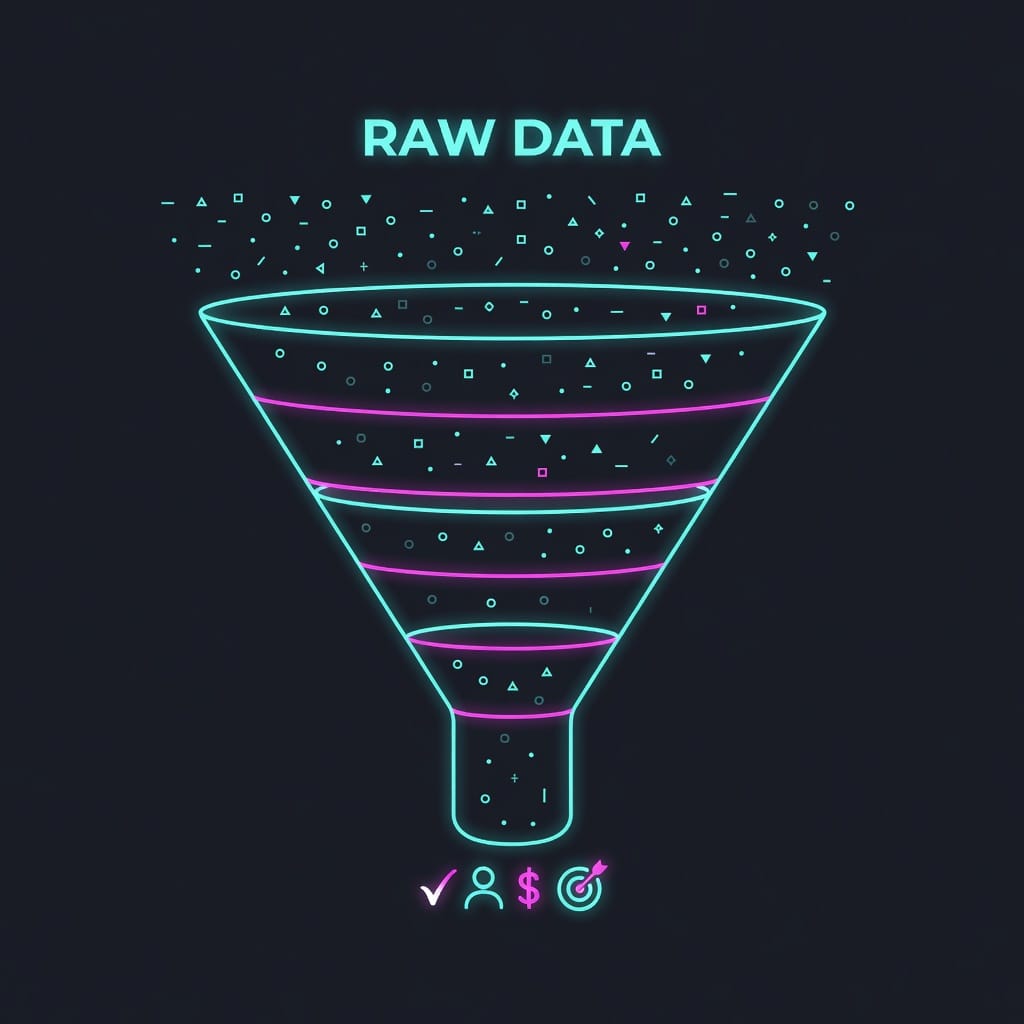
Before we dive into how to build a great list, it helps to understand why most lists fail. The failure modes fall into four categories.
1. Stale Data
Email databases decay at a rate of roughly 22 to 30 percent per year, according to most industry estimates. Executives change jobs, companies rebrand, employees leave, and inboxes get restructured. A list that was 95 percent accurate when it was compiled six months ago may be closer to 70 percent accurate today. If you are sending to that list, nearly a third of your messages will bounce or land in a dead inbox.
Most data brokers sell the same list to dozens of clients. The data is never refreshed. It is scraped once and resold indefinitely.
2. Wrong Persona
It is shockingly common for sellers to target the wrong executive. If you sell a technical DevOps monitoring tool, the CMO is the wrong recipient. If you sell a demand generation platform, the CIO is probably the wrong recipient. Many list providers do not distinguish between job functions at a granular enough level.
A “Marketing Director” at a 50-person SaaS company has radically different priorities and budget authority than a “Marketing Director” at a Fortune 500 enterprise. The title is the same. The role is not.
3. No Context
Even when the data is accurate and the persona is correct, sending a generic email to an executive produces the same result every time: deletion. Executive outreach without context is noise. The context may be a recent funding round, a product launch, a leadership change, a regulatory shift, or a public strategic initiative. Without that context hook, you are asking a busy person to take time out of their day to figure out why they should care.
4. Poor Deliverability Infrastructure
You can have the best list in the world, but if you send from an unauthenticated domain with no warmup history and a poor sender reputation, your emails will land in the spam folder or be silently dropped. The list is not the bottleneck. The sending infrastructure is.
The fix for each of these problems is what the rest of this guide covers in detail.
Building Your Ideal Customer Profile for Executive Targeting
Every great executive email list starts with an Ideal Customer Profile. Without one, you are spraying and praying.
An ICP goes far beyond “companies with more than 500 employees in the SaaS industry.” That is a starting point, not a profile. A proper ICP for executive targeting includes:
- Firmographic criteria: Industry, company size, revenue range, growth rate, geographic location, funding stage, public or private.
- Technographic criteria: Tech stack signals such as CRM platform, marketing automation tools, analytics software, cloud provider. These signals are powerful because they reveal pain points. A company using Salesforce but no outreach automation has an obvious gap.
- Behavioral criteria: Hiring patterns, content consumption, event attendance, product review activity. An executive whose company just posted a job opening for a “Head of Sales Operations” is signaling a prioritization of sales infrastructure.
- Trigger events: Funding rounds, executive hires, acquisitions, product launches, IPO filings, quarterly earnings calls. Trigger-based outreach to executives converts at a meaningfully higher rate than generic outreach.
Once your ICP is defined, you can use it to filter and score any database you acquire or build.
Sources for B2B Executive Email Data
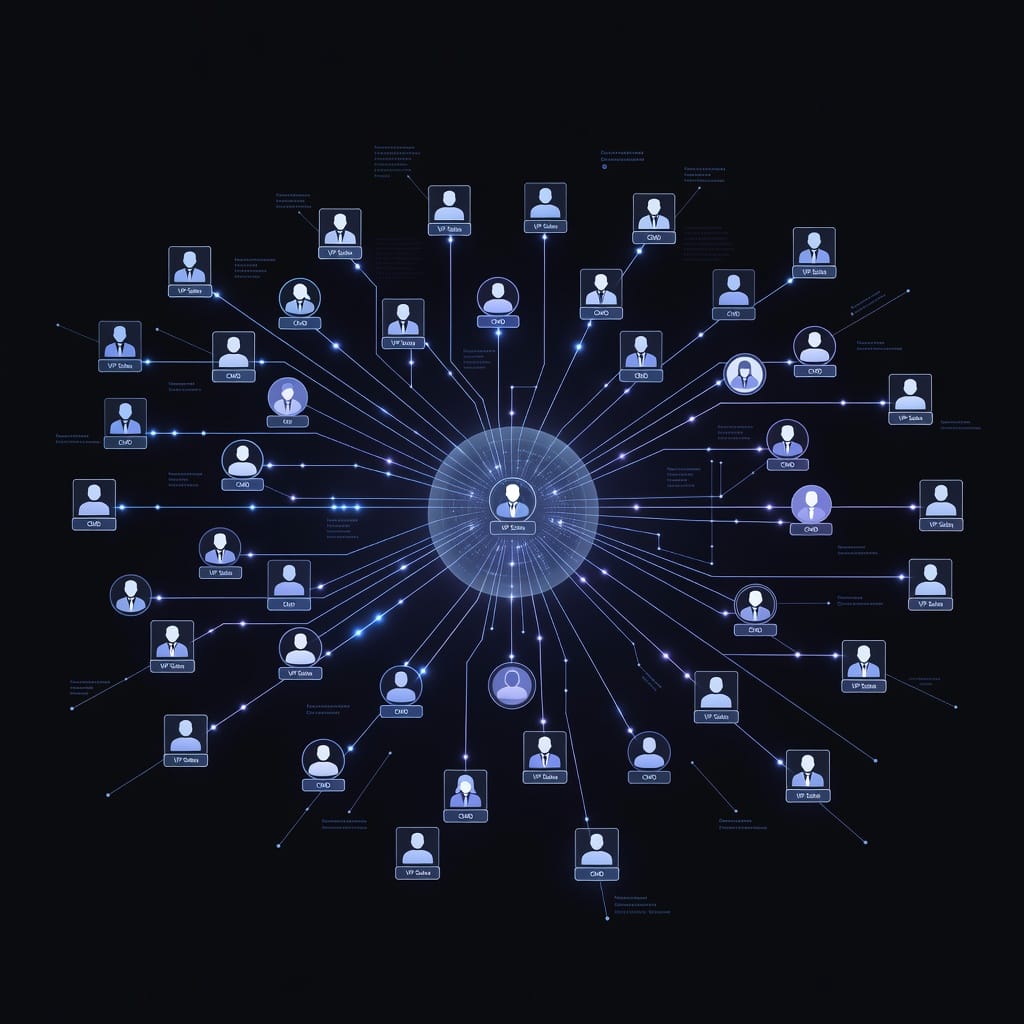
There are three primary approaches to acquiring executive email data: build from scratch, buy from a broker, or use a data platform that combines multiple signals. Each has trade-offs.
Building Your Own List
This is the most labor-intensive approach but gives you the greatest control over quality. Methods include:
- LinkedIn Sales Navigator: Export search results for specific titles, companies, and regions. LinkedIn limits how many profiles you can export in a given period, but it remains one of the most reliable sources for identifying the right person.
- Company website scraping: Many companies publish executive team pages with bios. Scraping these manually or with tools can yield high-quality contacts, but watch for robots.txt restrictions and terms of service.
- Crunchbase and AngelList: These platforms provide company-level data and sometimes direct contact information for founders and executives.
- Conference attendee lists: Many B2B conferences publish attendee lists (with opt-in consent) that include email addresses. These are often goldmines because the attendees have self-selected as active in the space.
- Chrome extensions: Tools like Mystrika’s Chrome extension can capture profile data from LinkedIn and other platforms and enrich it with verified email addresses.
Building your own list is viable when you need a small, highly targeted list – say, fifty contacts for a personalized ABM campaign. It does not scale well to thousands of contacts.
Buying from Data Brokers
The data broker market for B2B contacts is enormous and fragmented. Providers range from industry giants like ZoomInfo and Lusha to dozens of smaller niche providers.
The main risk with data brokers is data freshness. Always ask:
- When was this data last verified?
- What is the verification method (SMTP check, human verification, or guess-and-append)?
- Do you have suppression lists for known bounces?
- How often is the database refreshed?
A good broker will answer these questions transparently. A bad broker will dodge.
Using an Integrated Data Platform
The most effective approach for most teams is an integrated platform that combines data sourcing, enrichment, verification, and outreach in one workflow. Mystrika offers this kind of end-to-end pipeline: prospect data is enriched in real time, verified before sending, and managed within the same interface where you build your sequences. This eliminates the friction of moving spreadsheets between tools and reduces data decay by verifying contacts at the point of use rather than at the point of purchase.
How to Verify Executive Email Addresses
Email verification is not optional. If you send to unverified addresses, you damage your sender reputation, increase bounce rates, and reduce deliverability for every subsequent campaign.
Verification typically involves multiple checks:
Syntax check: Does the email conform to RFC standards? This catches obvious typos like missing @ symbols or spaces in the address.
Domain check: Does the domain have valid MX records? If the domain cannot receive mail, the address is invalid.
SMTP check: The verification tool connects to the receiving mail server and checks whether the specific mailbox exists. This is the most reliable method but can be slow and may trigger rate limits.
Greylisting detection: Some mail servers return a temporary failure for unknown addresses. A good verification tool retries or uses alternative methods to distinguish between a greylisted address and a nonexistent one.
Disposable email detection: Filters out addresses from temporary email providers.
Role-based email detection: Flags addresses like info@, sales@, or support@ that go to a group rather than an individual. Role-based addresses are generally lower value for executive targeting.
Catch-all domain detection: Some domains accept all email to any address. Verification tools should flag these because an SMTP check cannot confirm that the specific executive’s address exists.
The verification process should happen at two points: when you first acquire the data, and again immediately before you send. A contact that verified cleanly three months ago may have changed jobs or had their address deactivated.

Enrichment: Turning Emails into Actionable Intelligence
A raw email address is minimally useful. Enrichment adds the context that makes it actionable.
Company enrichment adds firmographic data: revenue range, employee count, industry, headquarters location, funding history, stock ticker.
Technographic enrichment identifies the software stack the company uses. This is especially valuable for B2B technology sellers. If you sell a Slack integration and the prospect’s company does not use Slack, you have a qualification signal before you ever send an email.
Intent enrichment tracks behavioral signals: job postings, content downloads, competitor evaluation activity, research queries. Services like Bombora and G2 provide intent data that can be layered onto your contact records.
Social enrichment adds LinkedIn profile URLs, recent posts, and professional history. This helps you personalize your outreach with relevant context.
The best enrichment pipelines run automatically. When a new contact enters your database, enrichment happens in the background within seconds. Mystrika includes enrichment as part of its core workflow, eliminating the need to pipe data between multiple tools.
Building Your Executive Email List Step by Step
This section walks through a practical workflow for assembling a B2B executive email list from scratch.
Step 1: Define Your Target Accounts
Start with accounts, not contacts. Use firmographic filters to identify a set of companies that match your ICP. If you sell to mid-market SaaS companies with 200 to 2000 employees, identify every company in that band within your target geography.
Tools for this step: Crunchbase, Apollo, ZoomInfo, or even a well-structured Google search. Export the list of target accounts into a CSV.
Step 2: Identify the Right Persona at Each Account
For each target account, identify the specific executive role that maps to your buyer persona. If you sell a sales engagement platform, your persona might be the VP of Sales or the Head of Revenue Operations. If you sell cybersecurity services, it might be the CISO or the VP of Engineering.
LinkedIn Sales Navigator is the most efficient tool for this step. Search for your target title within each account list.
Step 3: Find or Verify the Email Address
With the executive identified, you need their email address. If you have a data platform, it should resolve the address automatically based on the domain and the executive’s name. Most organizations follow a predictable email pattern ([email protected], [email protected], [email protected], etc.).
You can guess the pattern by checking a known employee’s email from a public source, then applying the pattern to your target executive. Pattern guessing is free but error-prone. A verification tool should be used on every guessed address before sending.
Step 4: Enrich the Record
Add company data, technographic data, and any intent signals you have access to. The richer the record, the better your personalization will be.
Step 5: Score and Segment
Not all executive contacts are equal. Score each record based on fit (how closely the company matches your ICP) and engagement potential (do you have a trigger event or a warm introduction path?).
Segment your list into tiers:
- Tier 1: High fit + trigger event. These get highly personalized outreach.
- Tier 2: High fit, no trigger. These go into a nurture sequence.
- Tier 3: Moderate fit. These receive automated sequences with lower personalization.
Step 6: Verify Immediately Before Sending
Run the entire list through verification 24 hours before your campaign launch. Remove bounces, invalid addresses, and role-based addresses.

Outreach Strategies for C-Suite Executives
Having a great list is only half the battle. The outreach itself must be carefully crafted. Executives are bombarded with emails. Standing out requires discipline, not creativity.
The Golden Rules of Executive Cold Email
Rule 1: Be short. The shorter the email, the more likely it is to be read. A C-Suite cold email should be three to five sentences. No more. Introduce yourself, state why you are reaching out, make a single relevant observation, and offer a specific next step.
Rule 2: Reference something real. Generic praise (“I admire your work at Acme Corp”) is as bad as generic pitches. Reference a specific acquisition they led, a product they launched, a podcast they appeared on, or a quote they gave in a recent interview. This shows you did the work.
Rule 3: Make the value proposition executive-level. Do not pitch features. Pitch outcomes. “I can help you reduce cost per lead by 30 percent” is an executive message. “Our platform has a drag-and-drop workflow builder” is not.
Rule 4: Offer a low-friction next step. Do not ask for a 30-minute demo call. Ask for a 10-minute conversation. Or offer to send a one-page summary. Or invite them to a relevant webinar. The lower the friction, the higher the response rate.
Rule 5: Follow up systematically. Most executives will not respond to the first email. A structured follow-up sequence – three to five touches over two to three weeks – is standard. Each touch should add a new piece of value or information, not simply repeat the original message.
Channel Strategy
Email is the primary channel for most executive outreach, but it should not be the only one. A multi-channel approach outperforms email-only by a wide margin.
LinkedIn: Connect with a personalized note. Share relevant content. Engage with their posts before you send your pitch.
Phone: Executive phone numbers are harder to find but worth the effort. A well-timed call following an email sequence can dramatically increase conversion rates.
Direct mail: For high-value Tier 1 targets, a physical package can cut through the noise like nothing else.
Referrals: The single most effective way to reach an executive is through a mutual connection. Warm introductions convert at rates that cold outreach cannot touch.

Crafting Sequences That Convert at the Executive Level
Sequence design for executives is different from sequence design for mid-level buyers. Executives require longer intervals, fewer touches, and substantially more value per touch.
The 3-2-1 Executive Sequence Pattern
A proven structure for executive outreach is the 3-2-1 pattern:
- 3 educational touches: Share relevant content – a case study, a research report, a blog post. No pitch. Just value.
- 2 contextual touches: Reference a specific trigger event or observation. Offer a specific insight related to their business.
- 1 direct ask: A clear, specific, low-friction call to action.
This pattern respects the executive’s time and builds credibility before making an ask.
Timing Considerations
Executives check email at predictable times. Research consistently shows that early morning (6-8 AM local time) and early evening (5-7 PM) have higher open rates for executive personas. Tuesday through Thursday outperform Monday and Friday.
But there is a nuance: many executives batch-process email. They open their inbox, scan for urgent messages, flag what matters, and close it. Your email needs to survive that scan. The subject line is everything.
Subject Lines That Work
For executive audiences, subject lines should be:
- Specific, not clever
- Referential, not salesy
- Short enough to read on mobile (under 40 characters)
Examples:
- “Quick question re: [specific initiative]”
- “Reference: [Mutual connection name]”
- “Saw your [podcast/interview] on [topic]”
- “Idea for [company name]’s [department]”
Avoid: ALL CAPS, exclamation points, free-this, free-that, and anything that sounds like a press release.
Deliverability: The Hidden Determinant of List Success
You can have the world’s best executive list and the most carefully crafted email, and still get zero responses because your emails landed in spam. Deliverability is the hidden factor that determines whether your outreach pays off.
Domain Authentication
Before you send a single email, your sending domain must be properly authenticated. Three DNS records are essential:
SPF (Sender Policy Framework): Specifies which servers are authorized to send email from your domain. Without SPF, receiving servers have no way to verify that your email is legitimate.
DKIM (DomainKeys Identified Mail): Adds a cryptographic signature to your emails that verifies the content has not been tampered with in transit.
DMARC (Domain-based Message Authentication, Reporting, and Conformance): Tells receiving servers what to do if SPF or DKIM fails. DMARC also provides reports that let you monitor unauthorized use of your domain.
Warmup
New sending domains have no reputation. They cannot send large volumes of cold email without being flagged. The warmup process gradually increases sending volume from a new domain over several weeks, building a positive reputation with mailbox providers.
Mystrika includes an automated warmup system that sends your domain through a network of real mailboxes, generating natural engagement signals. This process typically takes two to four weeks before the domain can handle cold outreach at scale.
Sending Volume and Cadence
Even with a warm domain, sending too many emails too quickly will trigger rate limiting and spam filtering. Best practices:
- Start at 10 to 20 emails per day per mailbox
- Increase by 10 to 20 percent per week
- Never send more than 50 cold emails per day from a single mailbox
- Use multiple mailboxes and rotate them
Monitoring Deliverability
Track bounce rate, open rate, reply rate, and spam complaint rate. If your bounce rate exceeds 2 to 3 percent, pause and verify your list. If your spam complaint rate exceeds 0.1 percent, review your targeting and messaging.
Monthly deliverability audits are non-negotiable. Review your domain reputation using tools like Google Postmaster Tools and Microsoft SNDS.

Data Privacy and Compliance
Executive email lists exist within a tightening regulatory landscape. Ignoring compliance is not just unethical – it can be expensive.
GDPR (General Data Protection Regulation)
If you are contacting anyone in the European Union or the European Economic Area, GDPR applies to you regardless of where your business is based. Key requirements:
- You must have a lawful basis for processing personal data. Legitimate interest is the most common basis for B2B outreach, but it requires balancing your interest against the individual’s privacy rights.
- You must provide a clear privacy notice explaining how you obtained the contact’s data and how they can request deletion.
- You must honor opt-out requests immediately.
- You cannot use pre-ticked consent boxes or assume consent from inaction.
CAN-SPAM Act (United States)
US law requires:
- Accurate header information (your email cannot misrepresent who you are)
- Clear subject lines that are not deceptive
- A visible opt-out mechanism in every commercial email
- Prompt honoring of opt-out requests (within 10 business days)
CASL (Canada’s Anti-Spam Legislation)
CASL is the most stringent of the three. It requires express consent for most commercial email, with a narrow exception for “business-to-business” messages that relate to the recipient’s role. The implied consent window expires after two years, after which express consent is required.
Building a Compliant List
The safest approach is to build lists from sources where the individual has explicitly opted into receiving third-party communications. This includes conference attendees who agreed to share their contact information, newsletter subscribers, and content downloaders.
Purchased lists are inherently risky from a compliance standpoint. Most purchased lists do not have documented consent. If you use them, you are accepting substantial regulatory exposure.
Practically speaking, most B2B cold outreach operates in the gray area between strict compliance and commercial necessity. The safest path is to focus on building your own lists from opt-in sources and to use enrichment rather than purchase to expand your reach.
Scoring and Prioritizing Executive Contacts
Not every executive contact deserves the same treatment. A scoring framework helps you allocate your time and budget to the highest-potential targets.
Firmographic Score
Assign points based on how well the company matches your ICP:
- Industry match: 10 to 20 points
- Revenue range match: 10 to 20 points
- Employee count match: 5 to 10 points
- Geographic match: 5 to 10 points
Engagement Score
Track digital signals:
- Opened email: 5 points
- Clicked link: 10 points
- Visited pricing page: 20 points
- Downloaded content: 15 points
- Replied to email: 25 points
- Attended webinar: 30 points
Trigger Score
Assign bonus points for trigger events:
- New funding round: 20 points
- New executive hire: 15 points
- Job posting in relevant department: 15 points
- Product launch: 10 points
- Quarterly earnings call signaling a priority shift: 20 points
Total Score
Sum the three sub-scores. Tier 1 contacts (80+ points) get dedicated 1:1 outreach. Tier 2 contacts (50 to 79 points) get automated sequences with some personalization. Tier 3 contacts (below 50 points) go into a general nurture track.
Automating this scoring is essential at scale. Manually scoring hundreds of contacts is not feasible. Mystrika includes lead scoring and prioritization that updates in real time as engagement signals come in.
Sequences, Automation, and the Unibox
Once your list is built, verified, enriched, scored, and segmented, you need an infrastructure to manage outreach. This is where a sales engagement platform becomes indispensable.
A good platform handles:
- Multi-channel sequencing: Email, LinkedIn, and phone tasks in a single sequence
- Automated follow-ups: Scheduled sends with intelligent delays between touches
- A/B testing: Subject line, body copy, and call-to-action testing at scale
- Reply detection: Automatically stops sequences when a prospect replies
- Unibox: A unified inbox that aggregates all prospect replies across campaigns, making it possible to manage hundreds of conversations from a single view
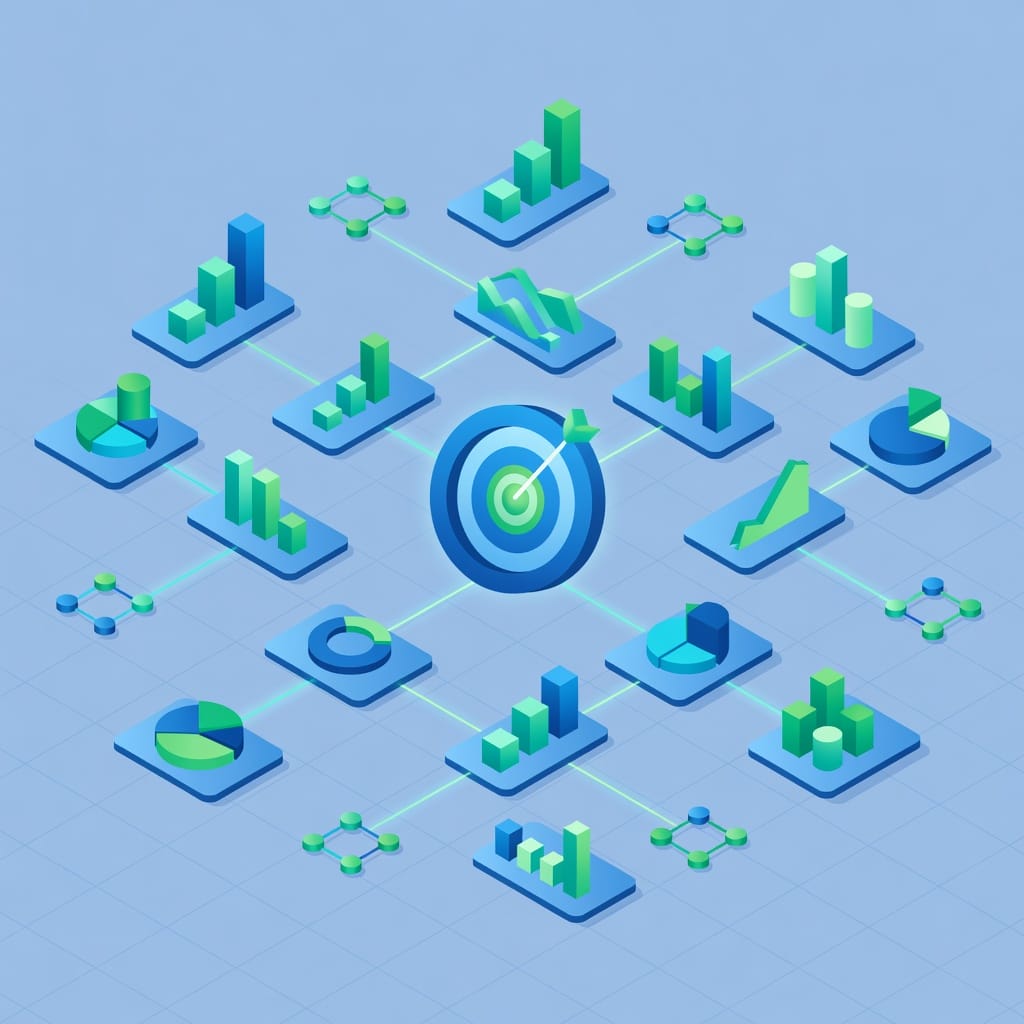
- Analytics: Open rates, reply rates, meeting booked rates, pipeline generated, revenue influenced
The Unibox concept is particularly important for executive outreach. When you manage multiple sequences targeting C-Suite executives, replies can come at any time from any campaign. Without a unified inbox, replies get lost in individual mailbox interfaces, follow-up timing slips, and opportunities die.
Mystrika’s Unibox solves this by pulling all replies into one interface, with threading, templates, and AI-suggested responses. It ensures that when a CIO replies to a sequence you started three weeks ago, you see it immediately and can respond within minutes.

Trigger-Based Outreach for Executives
One of the most effective ways to increase response rates from executives is to align your outreach with trigger events. A trigger event is a significant change in a company’s situation that creates a moment of receptivity.
Types of Trigger Events
Funding triggers: A company just closed a Series A or B. They have new capital to deploy and pressure to grow. Reach out to the VP of Sales with a message about scaling revenue operations.
Hiring triggers: A company is hiring for a role that relates to your product. If they are hiring a Head of CRM, and you sell CRM optimization tools, you have a clear opening.
Product launch triggers: A competitor launched a product. The executive may be evaluating alternatives or feeling pressure to respond. Your outreach can position your solution as the competitive response.
Leadership change triggers: A new executive just started. They are in their “listening tour” phase, actively evaluating vendors and gathering information. This is a prime window for outreach.
Regulatory triggers: A new regulation or compliance requirement creates urgent pain. GDPR, HIPAA, SOC 2, and similar frameworks create moments where executives must act.
Earnings triggers: A public company’s quarterly earnings call reveals strategic priorities. If the CEO says “we are investing heavily in AI infrastructure,” and you sell AI infrastructure, you have your hook.
Building Trigger-Based Sequences
A trigger-based sequence looks different from a standard cold sequence. The first touch references the trigger directly:
“Hi [First Name], congratulations on [Company]’s Series B. As you scale the sales team, I wanted to share how we helped [similar company] onboard 15 new reps and hit quota in 60 days.”
The trigger establishes relevance and signals that you are paying attention. It transforms your email from noise into a signal worth investigating.
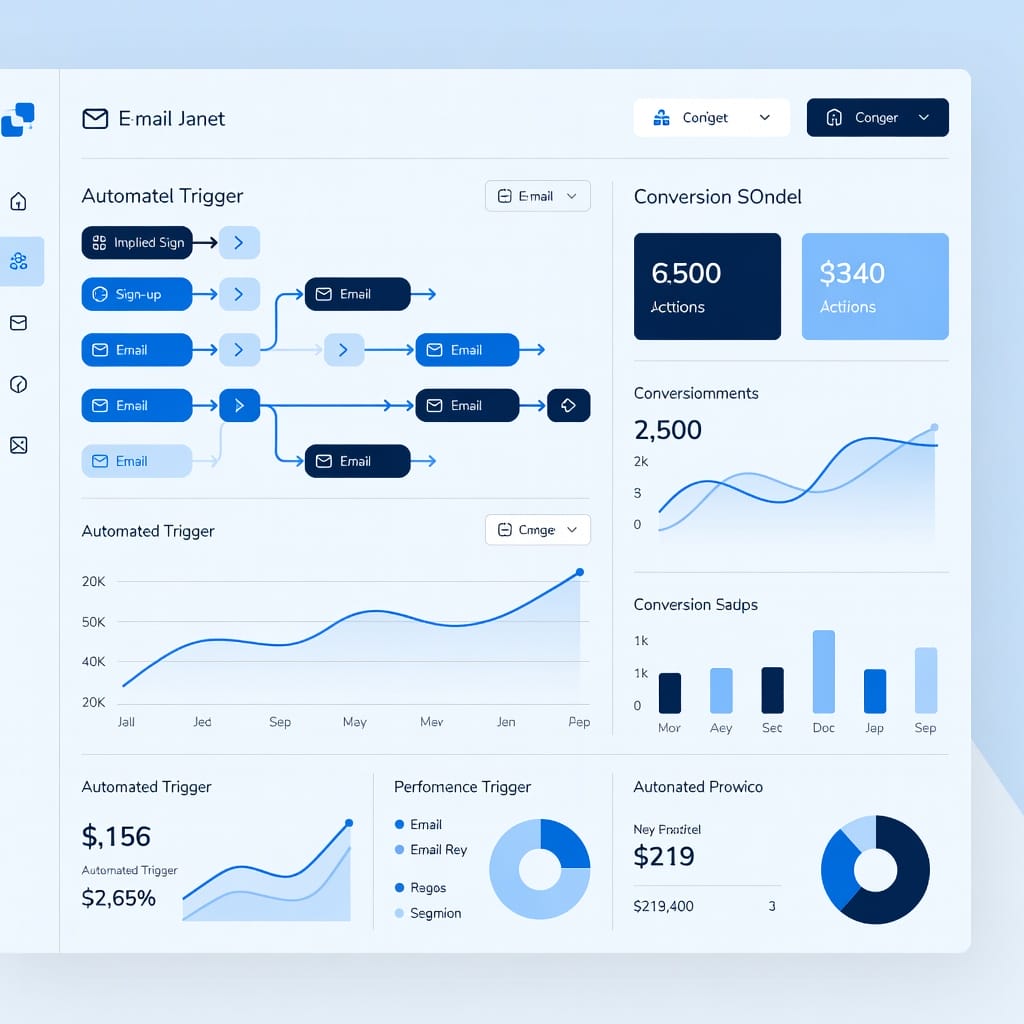
Mystrika offers trigger-based sequence automation that detects trigger events from public data sources and automatically inserts contacts into the appropriate sequence. This removes the manual work of monitoring trigger events across hundreds of target accounts.

Measuring List Quality and Campaign Performance
If you are not measuring, you are guessing. The metrics that matter for executive email list performance go beyond open and reply rates.
List Quality Metrics
Deliverability rate: The percentage of emails that reach the inbox (not spam) divided by total sent. This is the single most important metric for list quality. A deliverability rate below 90 percent indicates problems with list freshness or sending infrastructure.
Bounce rate by reason: Hard bounces (invalid address) and soft bounces (temporary delivery failure) tell different stories. A high hard bounce rate means your list needs verification. A high soft bounce rate may indicate deliverability issues at the domain level.
Role-based address rate: The percentage of addresses that route to a group inbox rather than an individual. High rates suggest lazy data sourcing.
Data decay rate: How quickly your list degrades over time. Measure the drop in deliverability rate month over month for a static list.
Campaign Performance Metrics
Reply rate: The percentage of delivered emails that receive a reply. For executive cold outreach, a reply rate of 3 to 8 percent is typical. Rates above 10 percent indicate exceptional targeting or messaging.
Positive reply rate: Not all replies are good. Track the percentage of replies that express interest, ask for information, or agree to a meeting. This separates vanity metrics from pipeline metrics.
Meeting booked rate: The bottom line for most campaigns. How many meetings were booked divided by total delivered emails.
Pipeline generated: The dollar value of opportunities created from the campaign. This is the metric that connects email outreach to revenue.
Customer acquisition cost by channel: Divide the cost of building, enriching, and sending to a list by the number of customers acquired. This tells you whether executive email lists are an efficient channel for your business.
Closing the Feedback Loop
The most overlooked practice is closing the measurement loop back into list building. Which sources produce the highest reply rates? Which job titles convert to meetings most consistently? Which trigger events generate the most pipeline?
Apply these insights to your next list build. Continuously refine your ICP based on actual performance data rather than assumptions. A list that performs well today may not perform well next quarter as market conditions change. Ongoing measurement and iteration are the only way to maintain list quality over time.
Tools and Technology Stack
While this guide is platform-agnostic, the technology choices you make have a material impact on your results. Here is a framework for evaluating tools across the list-building lifecycle.
Data Sourcing and Enrichment
Look for tools that offer:
- Real-time email finding and verification
- Company and technographic enrichment
- API access for workflow integration
- GDPR and CAN-SPAM compliance tooling
Verification
Prioritize tools that:
- Use multi-layer verification (syntax, domain, SMTP, greylisting detection)
- Support bulk verification with reasonable throughput
- Provide catch-all detection
- Integrate with your sending platform
Outreach and Sequencing
Essential features:
- Multi-channel sequencing
- Automated follow-ups with intelligent delays
- Reply detection and auto-stop
- A/B testing
- Unibox for unified reply management
- Domain warmup
Analytics and Reporting
Look for:
- Campaign-level delivery, open, reply, and meeting metrics
- Domain reputation monitoring
- List health scoring
- Revenue attribution
Mystrika combines sourcing, enrichment, verification, sequencing, warmup, unibox, and analytics into a single platform starting at $15 per month, with whitelabel capabilities for agencies. This eliminates the complexity of managing multiple point solutions and the data leakage that comes with moving lists between tools.

Common Mistakes and How to Avoid Them
After working with hundreds of teams on executive list-building and outreach, these are the most common mistakes we see.
Mistake 1: Prioritizing Quantity Over Quality
More contacts is not better. Better contacts is better. A list of 500 highly targeted, verified, enriched executive contacts will outperform a list of 5,000 poorly targeted, unverified contacts every time.
The math is simple: if your reply rate is 2 percent, 500 targeted contacts produce 10 replies. If your reply rate is 0.5 percent, 5,000 untargeted contacts produce 25 replies – but they also produce 4,975 spam complaints, bounces, and unsubscribes that damage your domain reputation. Over time, the quality-first approach wins.
Fix: Set a minimum threshold for contact quality. Do not add a contact to your list unless they meet your ICP criteria and have a verified email address.
Mistake 2: Ignoring Deliverability Infrastructure
The best list in the world is useless if your emails do not reach the inbox. Yet most sellers spend 90 percent of their time on list building and message crafting, and 10 percent on deliverability. That ratio should be inverted.
Fix: Authenticate your domain, warm your mailboxes, monitor your reputation, and test every campaign with seed accounts before sending to your full list.
Mistake 3: Sending the Same Message to Everyone
Personalization at the executive level is not optional. But personalization does not mean merging in a first name. It means researching the person’s role, company situation, and recent activity, and crafting a message that reflects that research.
Fix: Use your enrichment data to find specific hooks for each segment. A/B test different hooks to see what resonates.
Mistake 4: Not Following Up
Most replies come after the second or third touch. Yet most salespeople send one email and give up. Follow-up is where the ROI of a good list is realized.
Fix: Build a minimum three-touch sequence. Space touches three to five days apart. Each touch should add value, not just ask for a meeting.
Mistake 5: No Segmentation
Sending the same sequence to a Fortune 500 CIO and a startup CEO is a waste of both contacts. Their priorities, pain points, and decision-making processes are completely different.
Fix: Segment by company size, industry, and persona. Build separate sequences for each segment.
Mistake 6: Buying Rather Than Building
Purchased lists are almost always a bad bet. The data is stale, the consent is absent, and the contacts have been hammered by everyone else who bought the same list.
Fix: Invest in the tools and processes to build your own lists. The upfront effort pays compounding returns as you refine your targeting over time.
The Agency and White-Label Opportunity
For marketing agencies and consultancies, executive email lists represent both a capability to offer clients and a growth channel for the agency itself.
Many agencies struggle with list building because it requires specialized tools and expertise that fall outside their core service offering. White-label solutions allow agencies to offer executive list building and outreach as a managed service under their own brand, without building the technology in-house.
Mystrika supports white-label configurations, meaning agencies can set up their own branded instance of the platform with custom domain, custom logo, and custom templates. This allows agencies to deliver executive email list services to their clients without revealing the underlying technology stack.
The economics work well. An agency can build and manage executive email lists for clients at a monthly retainer that significantly exceeds the platform cost. For agencies serving B2B clients, this is a natural service extension that deepens client relationships and creates recurring revenue.

Advanced Tactics for Scaling Executive Outreach
Once you have mastered the fundamentals, these advanced tactics can further improve your results.
Multi-Touch Attribution for Executive Lists
Most executive buying journeys involve multiple touches across multiple channels and multiple campaigns. A single executive may receive an email from you, see a LinkedIn ad, visit your pricing page, and then attend a webinar before requesting a demo. Multi-touch attribution models help you understand which touches and which channels are driving conversions.
If you are using Mystrika, the platform’s analytics include attribution tracking that connects list sources, sequences, and channels to pipeline outcomes, giving you a clear picture of what is working.
Lookalike Modeling
Once you have a set of executives who converted into customers, analyze the common characteristics of their companies. Industry, size, growth rate, tech stack, funding stage. Use those characteristics to find similar companies that are not yet in your database.
Lookalike modeling can be done manually or through platform features that analyze your best-performing segments and suggest new accounts that match.
Predictive Lead Scoring
Move beyond simple threshold-based scoring to predictive scoring that uses machine learning to identify which contacts are most likely to convert. Predictive models consider dozens of variables and their interactions, producing scores that are more accurate than rule-based alternatives.
Waterfall Enrichment
Not all enrichment providers have the same coverage. Waterfall enrichment sends a contact through multiple providers in sequence, using the best available data from any source. This increases enrichment rates significantly compared to using a single provider.
Real-Time Data Refresh
Set up automated data refresh cycles for your highest-value contacts. When a CIO changes jobs, you want to know immediately. Real-time data feeds from sources like Crunchbase and LinkedIn can trigger updates to your contact records as events happen.
Integrating Executive Lists with Your CRM
An executive list that lives in a spreadsheet is a liability, not an asset. The list should be integrated with your CRM so that all interactions – emails sent, emails opened, replies received, meetings booked – are tracked against the contact record.
CRM Sync Best Practices
- Bi-directional sync: Changes in your outreach platform should flow back to your CRM, and CRM changes should flow to your platform.
- Activity logging: Every email sent, opened, and replied to should appear in the CRM activity history.
- Custom fields: Map enrichment data (ICP fit score, trigger events, technographic data) to custom fields in your CRM.
- Segmentation: Use CRM lists or smart lists to segment executives by campaign, sequence, or score.
- Suppression: Maintain a suppression list in your CRM of contacts who have unsubscribed, bounced, or been marked as out of office.
When your list, your outreach platform, and your CRM are properly synced, you eliminate data entry, reduce errors, and create a single source of truth for your executive targeting efforts.
The Future of B2B Executive Email Lists
The landscape is evolving in several directions at once.
AI-powered personalization is advancing rapidly. Large language models can now research a prospect and generate personalized email drafts in seconds. The human role shifts from writing emails to reviewing and approving AI-generated output.
Privacy regulation is tightening. California’s CPRA, the expanding global influence of GDPR, and emerging regulation in India and Brazil are making purchased lists increasingly risky. The long-term trend is toward permission-based data acquisition.
Zero-party data is gaining traction. More companies are asking prospects to self-identify their interests and preferences, creating data that is voluntarily shared and inherently compliant. Zero-party data produces higher conversion rates than inferred data.
Sending infrastructure is getting smarter. Machine learning models at the mailbox-provider level are getting better at distinguishing solicited from unsolicited email. Cold outreach that relies on volume rather than precision will continue to degrade in effectiveness.
The net of these trends is clear: the premium is shifting to list quality over list quantity. Teams that invest in targeted, verified, consent-aware list building will outperform teams that spray and pray.

Putting It All Together: A 90-Day Executive List Building Plan
This is a practical timeline for building and deploying your first executive email list from scratch.
Days 1-15: ICP Definition and Account Selection
Define your ICP in writing. Be specific about industry, company size, revenue, geography, and tech stack. Compile an initial list of 100 to 200 target accounts that match your ICP. Use LinkedIn Sales Navigator and Crunchbase to identify the specific executive persona at each account.
Days 16-30: Data Sourcing and Verification
Source email addresses for the executives on your target account list. Run every address through verification. Remove bounces and invalid addresses. Aim for a verified list of at least 100 to 150 contacts.
Days 31-45: Enrichment and Scoring
Enrich each contact record with company data, technographic data, and any intent signals available. Score each contact and segment into tiers. Set up your CRM integration.
Days 46-60: Infrastructure Setup
Authenticate your sending domain (SPF, DKIM, DMARC). Set up your mailboxes. Begin the warmup process. Configure your outreach platform sequences. Build three sequences: one for Tier 1, one for Tier 2, and one for Tier 3 contacts.
Days 61-75: Campaign Launch
Launch your Tier 1 campaign with highly personalized, manually crafted emails. Launch your Tier 2 automated sequence. Monitor deliverability, reply rates, and engagement. Adjust messaging based on early results.
Days 76-90: Analysis and Iteration
Review campaign performance data. Identify which sources, segments, and messages produced the best results. Refine your ICP based on what actually converted. Expand your list with new accounts that match the refined profile. Start the cycle again with a larger, better-targeted list.
Key Takeaways
1. Executive email lists are a strategic asset, not a commodity. The value is in the targeting, verification, and enrichment, not in the raw email addresses.
2. Build your own lists around a well-defined Ideal Customer Profile. Purchased lists are almost always lower quality, stale, and compliance-risky.
3. Verification at acquisition and again before sending is non-negotiable. Bad data destroys deliverability.
4. Enrichment transforms a contact record into actionable intelligence. Technographic, firmographic, and intent data enable personalization at scale.
5. Deliverability infrastructure – authenticated domains, warm mailboxes, and reputation monitoring – determines whether your emails reach the inbox.
6. Executive outreach requires short, specific, value-driven messaging with patient follow-up sequences. Three to five touches over two to three weeks is standard.
7. Trigger-based outreach aligned with funding events, hiring changes, and strategic initiatives produces higher response rates than static outreach.
8. Measure everything: deliverability rate, reply rate, meeting booked rate, pipeline generated. Close the feedback loop from performance into list building.
9. Compliance matters. GDPR, CAN-SPAM, and CASL impose real requirements on how you acquire and use contact data.
10. Platforms like Mystrika combine list building, enrichment, verification, sequencing, warmup, unibox, and analytics in a single workflow starting at $15 per month, with white-label options for agencies.
Frequently Asked Questions
What is the best way to find executive email addresses?
The most reliable method is a combination of LinkedIn Sales Navigator for identification and a data enrichment platform for email resolution. Identify the executive on LinkedIn, confirm the company’s email pattern from a known employee, and resolve the address using a verification tool. Multi-source verification is recommended before sending.
Are purchased executive email lists worth it?
Generally, no. Purchased lists are typically sold to multiple buyers, lack verified opt-in consent, decay rapidly, and produce low engagement rates. The regulatory risk under GDPR and CASL is significant. Building your own list around a well-defined ICP is more work upfront but produces better long-term results.
How often should I verify my executive email list?
Verify at two points: when you first acquire the data, and immediately before you send. If a list sits unused for more than 30 days, reverify it before the campaign. For ongoing campaigns, verify contacts on a rolling basis as they enter your sequences.
What is a good reply rate for executive cold email?
A reply rate of 3 to 8 percent is the typical range for well-targeted executive cold email. Rates above 10 percent are exceptional and usually indicate either extremely tight targeting or a compelling trigger event. Below 2 percent suggests problems with targeting, messaging, or deliverability.
How do I avoid my executive emails going to spam?
Authenticate your sending domain with SPF, DKIM, and DMARC. Warm your mailboxes gradually over two to four weeks before sending cold campaigns. Keep bounce rates below 2 percent. Monitor your domain reputation using Google Postmaster Tools and Microsoft SNDS. Use a verified, high-quality list.
Should I use a personal email or a company email for executive outreach?
Use a company email on your own domain. Personal email accounts (Gmail, Outlook.com) have lower deliverability for cold outreach and look unprofessional. Your company domain should be properly authenticated and warmed before you send.
What information should be in an executive email database entry?
At minimum: first name, last name, verified email address, job title, company name, company size, and industry. For effective targeting, also include LinkedIn profile URL, company revenue range, funding stage, tech stack, trigger events, and interaction history.
How many executives should I target in a campaign?
Start with 100 to 200 verified contacts in your first campaign. This gives you enough data to measure performance without overwhelming your sending infrastructure. Scale up as you refine your targeting and messaging based on results.
Is executive cold emailing legal?
In most jurisdictions, yes, with conditions. In the US, CAN-SPAM requires accurate headers, clear subject lines, and a visible opt-out. In the EU, GDPR requires a lawful basis (typically legitimate interest for B2B). In Canada, CASL requires express or implied consent. Always include a clear opt-out mechanism and honor it promptly.
Can Mystrika help me build and manage executive email lists?
Yes. Mystrika provides end-to-end list building and outreach infrastructure including data enrichment, email verification, domain warmup, multi-channel sequencing, a unified inbox for managing replies, lead scoring, and analytics. It starts at $15 per month and supports white-label configurations for agencies.