
Quick Answer: Relevance AI is a no-code platform for building custom AI agents and multi-agent workflows. It lets you create AI workers that automate tasks across sales, marketing, customer support, research, and operations. Pricing starts at $20/month (Starter) and goes up to $599/month (Business). It is best for teams that want to build their own AI automation from scratch, but it is not a ready-made outbound sales or email outreach tool.
—
What Is Relevance AI?
Relevance AI is a no-code platform for building, deploying, and managing AI agents that autonomously complete tasks. Think of it as infrastructure for creating an AI workforce where each agent handles a specific job. It is not a finished product you turn on. It is a platform you build on.
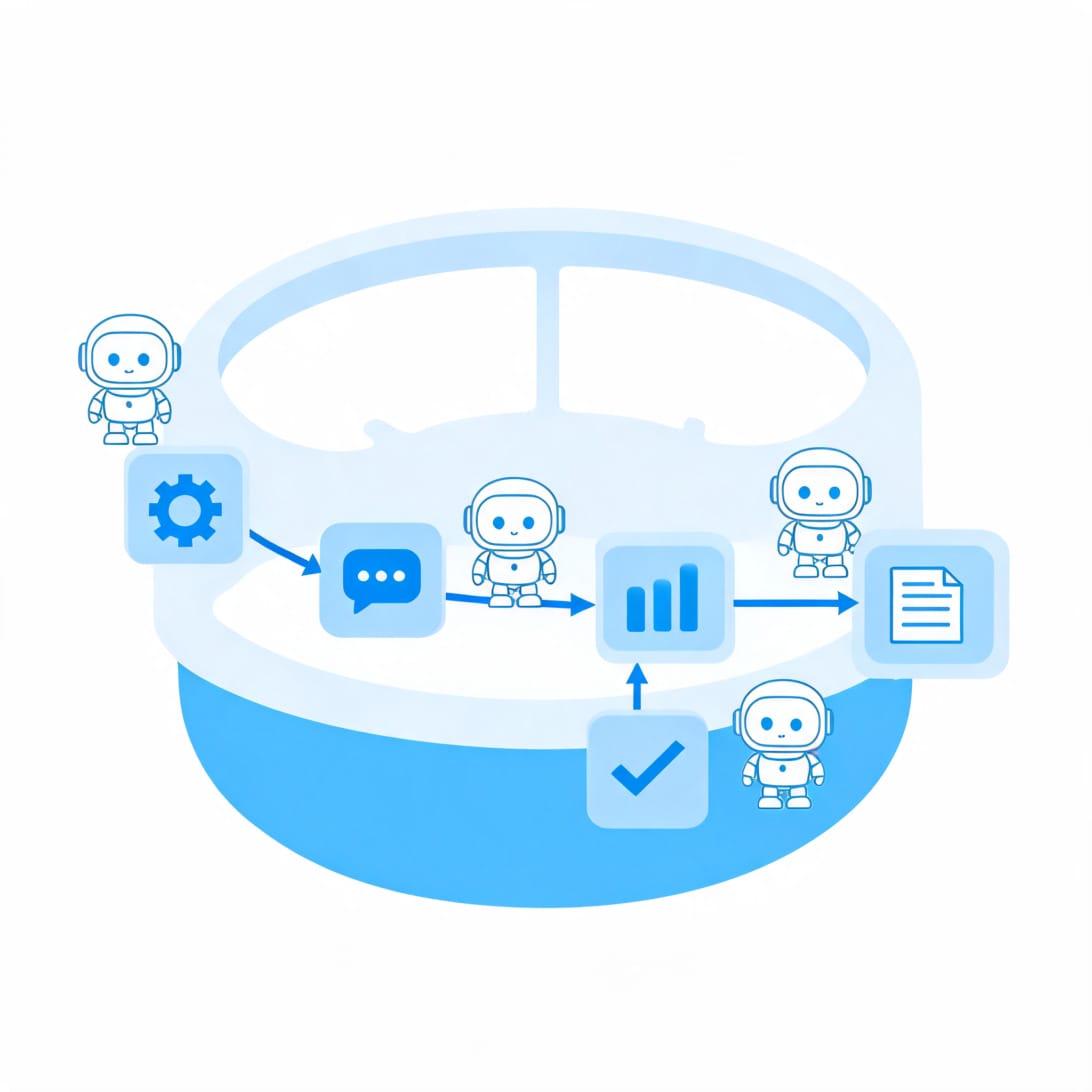
The platform has three core components:
- Agents – the AI workers that perform tasks
- Tools – actions agents can take, like searching the web, sending emails, or calling APIs
- Workforces – teams of agents that hand off work on a visual canvas
Relevance AI covers sales, marketing, customer support, research, and operations use cases. However, it is not a cold email or LinkedIn outreach platform. It does not source leads, send cold emails, or run outbound sequences out of the box.
—
How Does Relevance AI Work?
Relevance AI operates on three layers that stack together to create complex automation.
Build an Agent
You describe what you want the agent to do in plain language, connect tools, and add knowledge sources. The platform generates the agent prompt, suggests tools, and sets up the structure automatically. This feature is called Invent, and it removes the technical barrier for non-technical users.
Tools
Each tool performs one action. Agents combine multiple tools to complete multi-step tasks. Relevance AI offers over 9,000 integration tools covering email, calendar, CRM, and spreadsheets. Not all integrations are native, and some require custom API connections.
Workforces
Workforces connect multiple agents on a visual canvas. One agent completes its task and passes the output to the next agent in the pipeline. For example, a research agent finds prospect data, a writing agent drafts outreach, and a sending agent pushes it to CRM or email.
Triggers control when workflows start: manual command, recurring schedule, webhook, or event in a connected tool like CRM or email inbox.
—
Relevance AI Key Features
1. Invent
Invent is the fastest way to build an agent. You describe what you want in plain language, and the platform generates the agent prompt, suggests tools, and sets up the structure. This is useful for non-technical users who know what they want to automate but do not know how to configure it.
2. Marketplace
The Marketplace has 400+ pre-built agents and tools. You can clone an agent, connect integrations, and customize it for your use case. Common marketplace agents include lead qualification, meeting prep, customer support, and research.
3. Agent Builder
The Agent Builder lets you configure every detail of agent behavior. You write the prompt, select the LLM model, connect tools, and add knowledge sources. Model options include OpenAI, Anthropic Claude, Google Gemini, Azure OpenAI, and OpenRouter. Each model charges based on credits per 1,000 tokens.
4. Tools
Each tool performs one action: search the web, send email, call an API, update CRM, extract PDF text, or run custom code. Over 9,000 integration tools are available. Some integrations are native, while others require custom API connections.
5. Workforces
Workforces are a visual canvas that connects multiple agents in a pipeline. You can chain agents together so one completes its task and passes the output to the next. Triggers include manual command, cron schedule, webhook, or event-based triggers from connected tools.
6. Knowledge Base
You can upload documents, connect Google Drive, Notion, or SharePoint, or scrape website content. Agents search this knowledge when completing tasks. Two access methods are available: direct prompt for small datasets and RAG for large or complex datasets.
7. Relevance Chat
Relevance Chat is a conversational interface at chat.relevanceai.com. You can mention agents using the @ symbol, combine multiple agents in one conversation, switch LLMs mid-conversation, and save reusable prompts. It works on desktop and mobile browsers.
—
Relevance AI Pricing

Relevance AI offers four pricing tiers. The Business plan at $599/month is required for the agent timeout feature, which is essential for preventing agents from getting stuck and burning credits.
| Plan | Price | Key Features |
|---|---|---|
| Free | $0/month | Limited credits, basic features |
| Starter | ~$20/month | More credits, access to marketplace |
| Pro | ~$200/month | Higher credit limits, advanced features |
| Business | $599/month | Agent timeout, enterprise features, SSO, RBAC, audit logs |
Important pricing notes:
- Relevance AI uses a credit system. Each action an agent takes consumes credits based on the LLM model used and the complexity of the task.
- There is no transparent credit log, which makes it difficult to track where credits are being spent.
- The agent timeout feature, which prevents agents from getting stuck and burning credits indefinitely, is locked behind the $599/month Business plan.
- You cannot bring your own OpenAI API key, which means you cannot bypass the credit system or reduce costs.
- Enterprise pricing is custom and requires contacting sales.
—
Relevance AI Pros
No-Code Agent Building
The Invent feature lets you describe what you want in plain language, and the platform generates the agent prompt, suggests tools, and sets up the structure. This removes the technical barrier for non-technical users.
One Platform Replaces Multiple Point Solutions
Relevance AI can replace multiple specialized AI tools. Instead of using separate tools for lead qualification, meeting prep, customer support, and research, you can build all of these as agents on one platform.
Integration Breadth
Over 9,000 integration tools cover email, calendar, CRM, spreadsheets, and more. This gives you flexibility to connect Relevance AI to your existing tech stack.
Multi-LLM Support
You can choose from OpenAI, Anthropic Claude, Google Gemini, Azure OpenAI, or OpenRouter. This lets you pick the best model for each specific task.
Pre-Built Agent Marketplace
The 400+ pre-built agents and tools in the Marketplace give you a starting point. You can clone and customize agents rather than building from scratch.
—
Relevance AI Cons
Onboarding Is Confusing
The documentation is hard to follow because things are updated so regularly. New users often struggle to understand how to set up their first agent effectively. The platform becomes intuitive only after you invest significant time in learning it.
Agents Get Stuck and Burn Credits
Agents frequently freeze mid-task without clear cause. They provide an update and then stop working. The agent timeout feature that prevents this is locked behind the $599/month Business plan, which means users on lower tiers have no way to protect themselves from runaway credit consumption.
No Transparent Credit Log
Users report mysteriously losing credits overnight with nothing running. There is no clear credit-spending log available, making it difficult to audit where credits are going. One user reported losing 2,000+ credits overnight with no explanation.
Weak Admin and Governance Controls
The platform lacks governance controls and admin configuration controls that enterprise teams need. All agents appear in one flat list with no folders or categories, which gets messy at scale.
Google Sheets Integration Is Broken
Multiple users report that the Google Sheets connection wizard is slow to load, the Google OAuth connection randomly disconnects, and the integration never works reliably. This is a significant gap for teams that rely on Google Sheets for data management.
No BYO API Key
You cannot use your own OpenAI or Anthropic API key. This means you are locked into Relevance AI’s credit system and cannot reduce costs by using your own API keys. The pricing is obfuscated behind the credit system.
Not a Ready-Made Outbound Tool
Relevance AI does not source leads, send cold emails, or run outbound sequences out of the box. If you need a ready-made sales outreach system, you will need to build it yourself from scratch using agents and tools.
—
Relevance AI User Reviews
Relevance AI has a G2 rating of 4.5 out of 5, but independent user reviews on Reddit and other platforms tell a more mixed story.
Common positive themes:
- Powerful no-code agent building capabilities
- Flexible multi-agent workflow system
- Good for technical users who want to build custom automation
Common negative themes:
- Agents get stuck and burn credits without warning
- No transparent credit log or spending visibility
- Google Sheets integration is broken
- Agent timeout feature is paywalled behind $599/month plan
- Onboarding is confusing with outdated documentation
- UI quirks like missing scroll bars and inaccurate timestamps
Verified user quotes:
“Relevance AI agents are not great at dealing with large data sets. They freeze in various states without clear cause.” – Independent reviewer
“Magically lost 2,000+ credits overnight with nothing running. No clear credit-spending log available.” – Verified user
“The platform is close to being awesome. It could run many business processes in the near future if the kinks are resolved.” – Independent reviewer
—

Relevance AI vs Alternatives
| Feature | Relevance AI | Mystrika (Cold Email) | DoYouMail (Email Infrastructure) |
|---|---|---|---|
| AI agent building | Yes (no-code) | No | No |
| Cold email outreach | No (build it yourself) | Yes (native) | Yes (SMTP/IMAP) |
| Email warm-up | No | Yes | No |
| Dedicated IPs | No | No | Yes |
| SPF/DKIM/DMARC setup | No | Yes | Yes |
| Lead database | Bring your own | No | No |
| Multi-channel sequences | Build it yourself | Yes | Email only |
| Unified inbox | No | Yes (Unibox) | Roundcube webmail |
| White label | No | Yes | Yes |
| Starting price | $20/month | $15/month | ~$40/month per server |
| Free trial | Yes | Yes | No |
| G2 rating | 4.5/5 | 4.8/5 | N/A |
Important distinction: Relevance AI is an AI agent building platform, not an email outreach tool. Mystrika and DoYouMail are email-focused platforms. They serve different purposes. If you need to build custom AI automation workflows, Relevance AI is a good option. If you need reliable email outreach with warm-up and deliverability, Mystrika and DoYouMail are better choices.
Relevance AI vs Other AI Agent Platforms
| Feature | Relevance AI | Gumloop | n8n | Lindy AI |
|---|---|---|---|---|
| No-code builder | Yes | Yes | Partial | Yes |
| Pre-built agents | 400+ | Templates | Community | Templates |
| Multi-LLM support | Yes | Yes | BYO key | Limited |
| Email outreach | Build it yourself | Build it yourself | Build it yourself | Yes |
| Credit system | Yes (opaque) | Yes (transparent) | No | Yes |
| Agent timeout | $599/month only | Included | Included | Included |
| BYO API key | No | Optional | Yes | No |
| Starting price | $20/month | $37/month | $24/month | $50/month |
| G2 rating | 4.5/5 | 4.8/5 | 4.8/5 | 4.9/5 |
Gumloop and n8n offer more transparent pricing and do not paywall essential features like agent timeout. Lindy AI is better for customer support and sales team automations out of the box.
—
Who Should Use Relevance AI?
Relevance AI is a good fit if:
- You have a specific problem you want to automate with AI agents
- You are willing to invest time in learning the platform and building agents
- You want to replace multiple point solutions with one platform
- You are a non-technical user who can describe what you want in plain language
- You have the budget for the Business plan ($599/month) to get the agent timeout feature
Relevance AI is not a good fit if:
- You need a ready-made outbound sales or email outreach system
- You need reliable email deliverability with warm-up and dedicated infrastructure
- You are an enterprise team needing strong admin and governance controls
- You want transparent pricing without an opaque credit system
- You need Google Sheets integration that works reliably
- You cannot afford the $599/month Business plan for essential features
—
How to Get Started with Relevance AI
1. Sign up at relevanceai.com with your email or GitHub account
2. Explore the Marketplace to find pre-built agents that match your use case
3. Use Invent to describe your first agent in plain language
4. Connect tools by adding integrations for email, CRM, or other services
5. Test your agent with a small task to verify it works as expected
6. Set up a Workforce to chain multiple agents together for complex workflows
7. Configure triggers to run your agents on a schedule, webhook, or event
8. Monitor credit usage to avoid unexpected charges
—
Key Takeaways
- Relevance AI is a no-code platform for building custom AI agents and multi-agent workflows, starting at $20/month
- The platform offers 400+ pre-built agents and 9,000+ integration tools
- Agents frequently get stuck and burn credits, and the agent timeout feature is locked behind the $599/month Business plan
- The credit system is opaque with no transparent spending log
- Google Sheets integration is reported as broken by multiple users
- Relevance AI is not a ready-made outbound sales or email outreach tool
- For email-focused outreach, Mystrika and DoYouMail provide better deliverability, warm-up, and infrastructure
- Alternatives like Gumloop and n8n offer more transparent pricing and do not paywall essential features
—
Frequently Asked Questions
What is Relevance AI used for?
Relevance AI is used for building custom AI agents that automate tasks across sales, marketing, customer support, research, and operations. It is a no-code platform where you create AI workers that perform specific jobs.
How much does Relevance AI cost?
Relevance AI offers a Free plan, Starter at ~$20/month, Pro at ~$200/month, and Business at $599/month. The Business plan is required for the agent timeout feature. Enterprise pricing is custom.
Does Relevance AI have a free trial?
Yes, Relevance AI offers a Free plan that lets you test the platform with limited credits before committing to a paid plan.
Is Relevance AI good for cold email outreach?
No, Relevance AI is not designed for cold email outreach. It does not source leads, send cold emails, or run outbound sequences out of the box. You would need to build these capabilities yourself using agents and tools. For cold email outreach, dedicated tools like Mystrika offer better deliverability, warm-up, and infrastructure.
What are the best Relevance AI alternatives?
The best Relevance AI alternatives depend on your needs. For AI agent building with transparent pricing, consider Gumloop ($37/month) or n8n ($24/month). For customer support automation, consider Lindy AI ($50/month). For email-focused outreach, consider Mystrika ($15/month) for automated sequences and warm-up, or DoYouMail (~$40/month per server) for dedicated email infrastructure.
Can Relevance AI replace my CRM?
No, Relevance AI is not a CRM replacement. It can integrate with CRMs like HubSpot and Salesforce through its tools, but it does not replace CRM functionality.
Does Relevance AI support multiple AI models?
Yes, Relevance AI supports OpenAI, Anthropic Claude, Google Gemini, Azure OpenAI, and OpenRouter. You can switch between models for different tasks.
Can I use my own API key with Relevance AI?
No, Relevance AI does not support bringing your own API key. You are locked into their credit system, which means you cannot reduce costs by using your own OpenAI or Anthropic API keys.